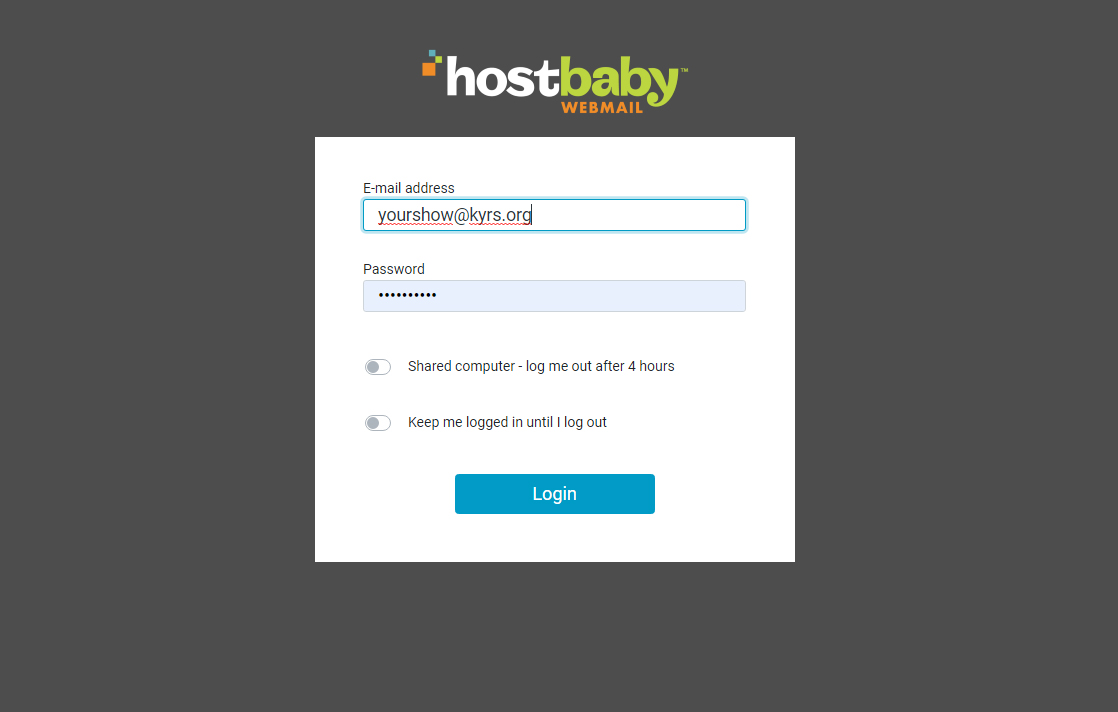
You’re in the wrong place! Your computer might be defaulting to the old server. In the address bar, it would show mail.hostbaby.com and it needs to be kyrs.org/webmail
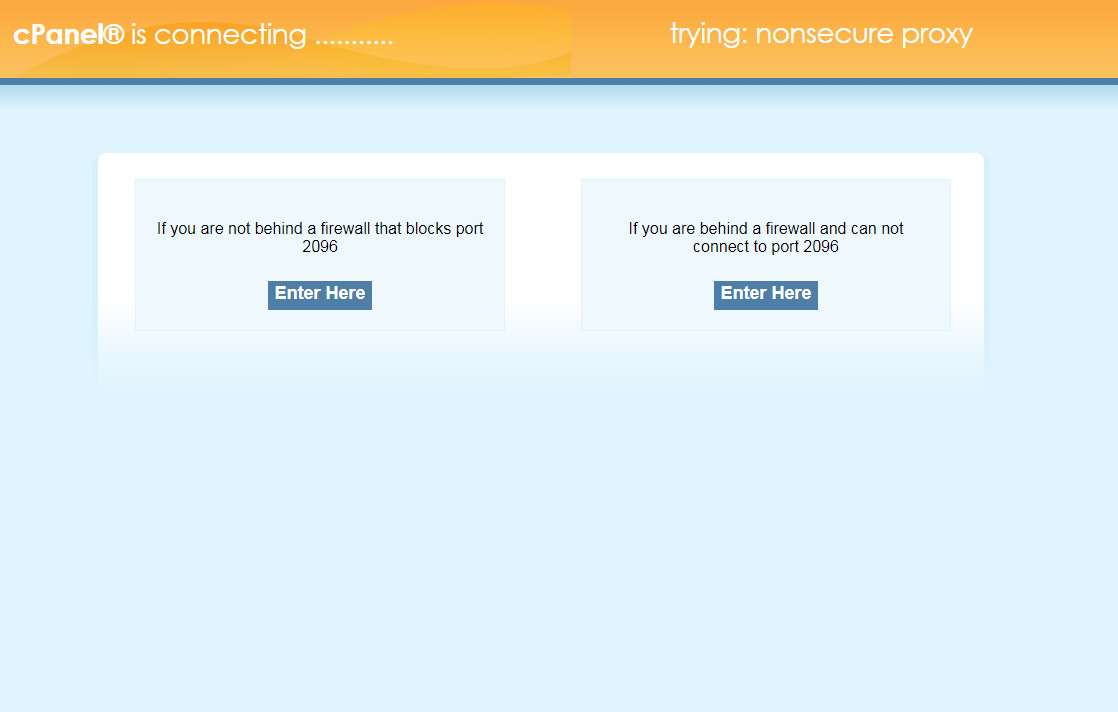
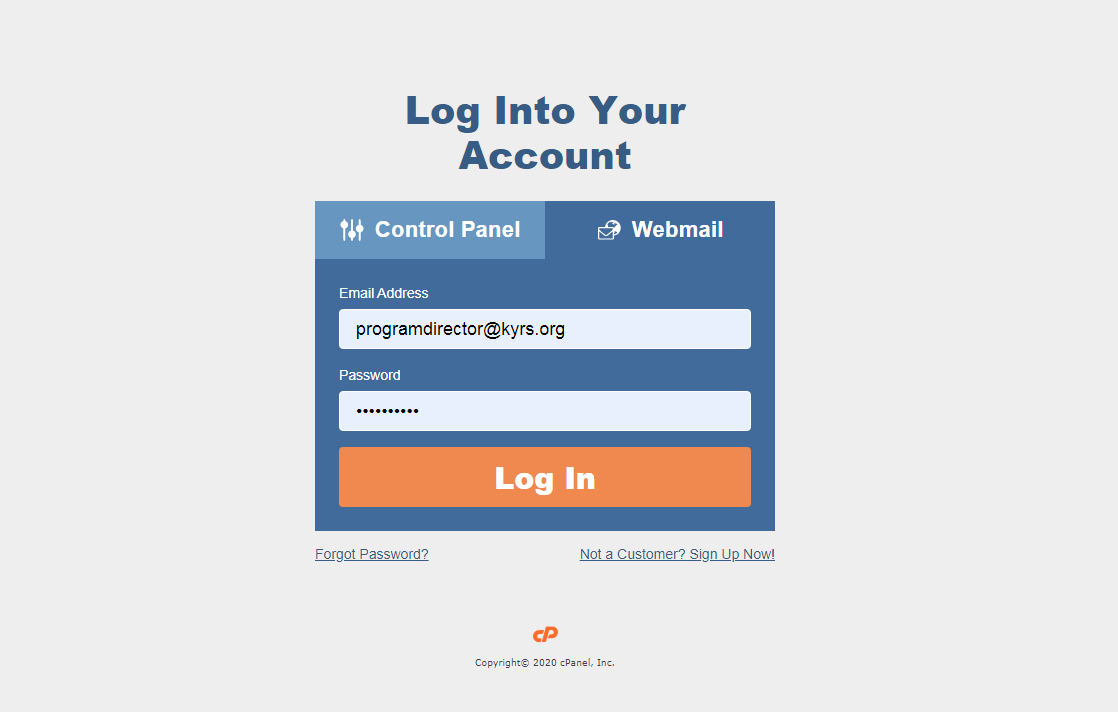
The correct page will look like this:
And say “Checking Proxy…” but wait a few moments and a login option will appear:
Your user name is your showname@kyrs.org with no spaces and no capitals. The password begins with the capital letter C and ends with 9
If you have not logged in before, you will be asked to choose an email client. Just pick RoundCube.